Metadata Filtering
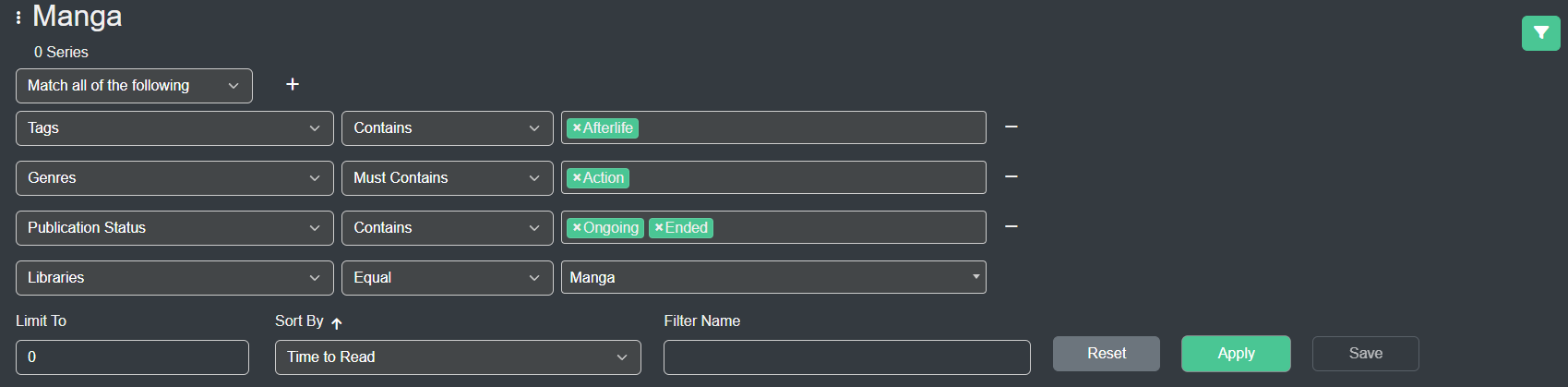
Kavita has a rich metadata interface that allows you to build complex filters to find exactly what you’re looking for. The system allows you to build a series of statements that AND or OR together with custom sorting and a limit feature, for those that have large libraries.
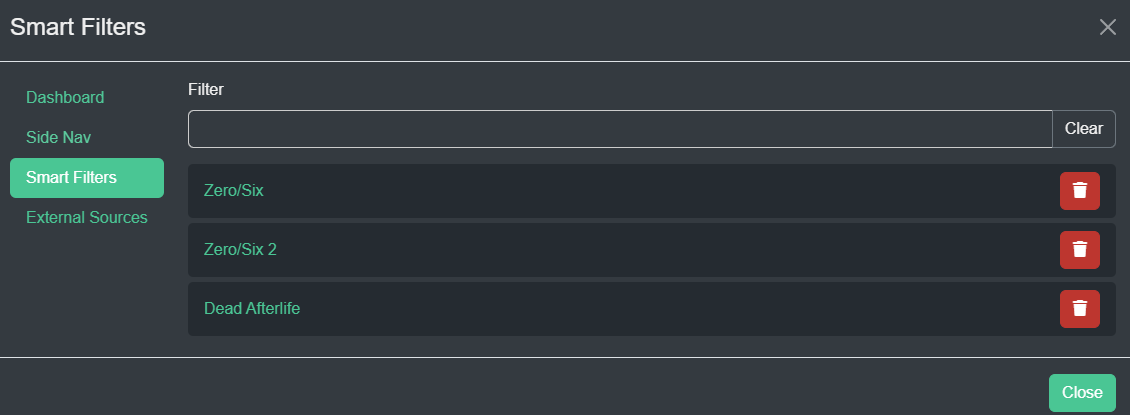
On some pages, these filters can be saved to a Smart Filter which can then be shared via url, bound to your Side Nav/Dashboard, or seen on the Smart Filters page (under user profile). These filters are dynamic, thus if you add new entities, they will show up in the filters.
Smart Filters
A Smart Filter is essentially a saved filter. The underlying filter can be loaded and changed and anything that is bound with the Smart Filter will automatically be reflected in the new filters. Once you have a Smart Filter created, check out Customization to learn about how you can utilize the filters.
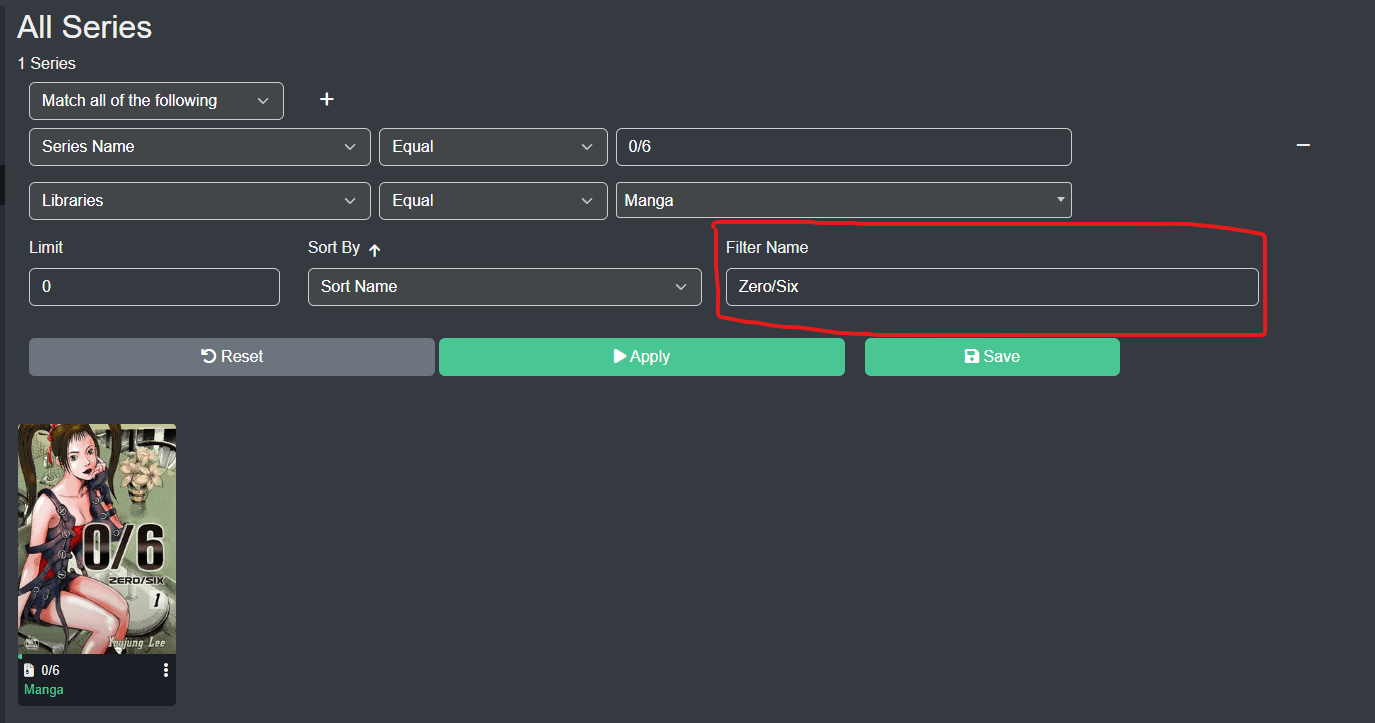
To create a Smart Filter, just add a name in the Name field and hit Save. Smart Filter names must be unique per user. Smart Filters are user-bound.