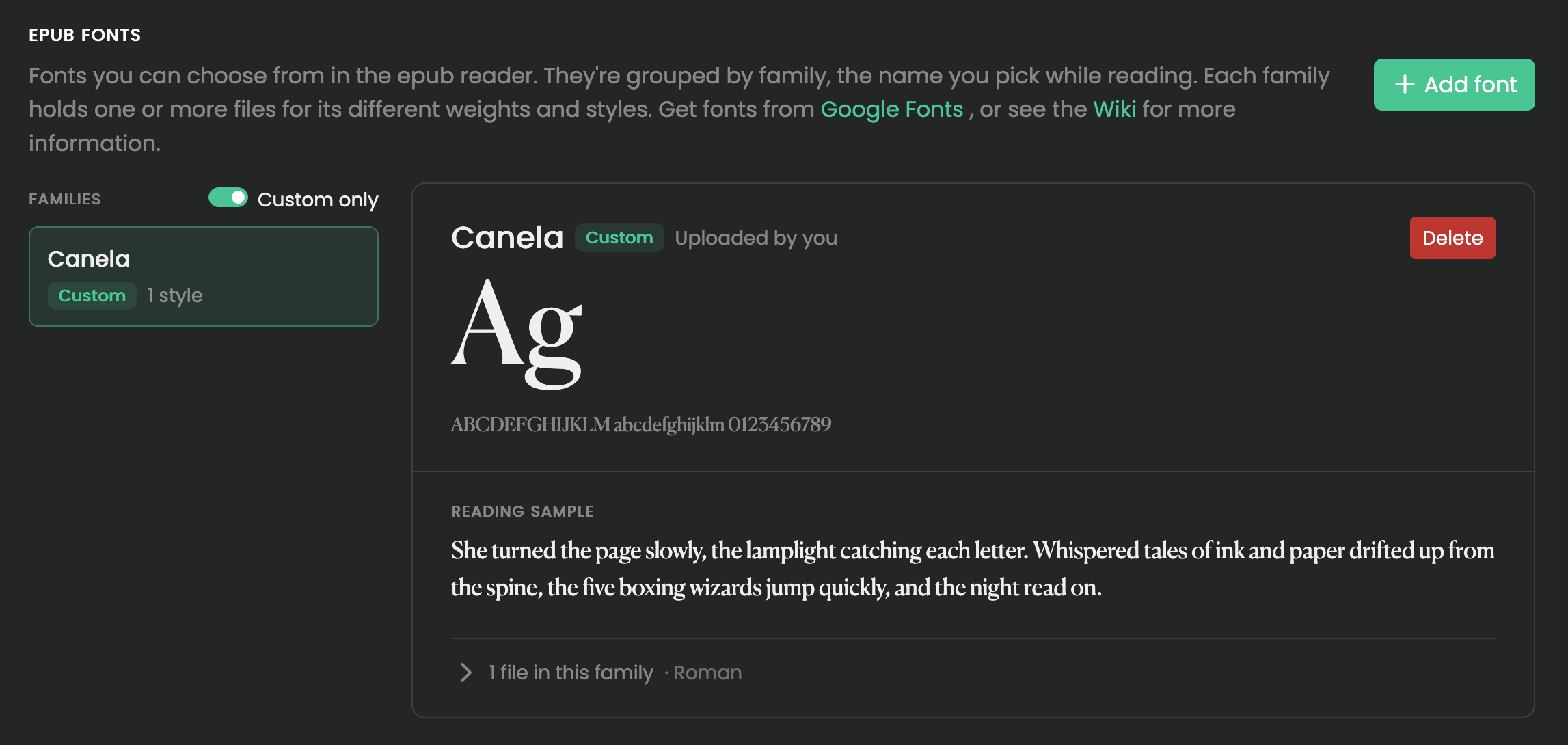
Custom Fonts
The Epub reader comes with a few fonts included, you are able to bring your own as well. Either by uploading, or download from Google Fonts.
Fonts only work if the epub does not forcefully set fonts on individual elements. You can clean this with calibre.
Adding Fonts
When uploading a font, the font name is automatically created from its filename. Variable fonts are also supported, allowing a single font file to contain multiple weights and styles (e.g. Light, Regular, Bold, Italic) — once uploaded, you’ll be able to select and preview each style individually.
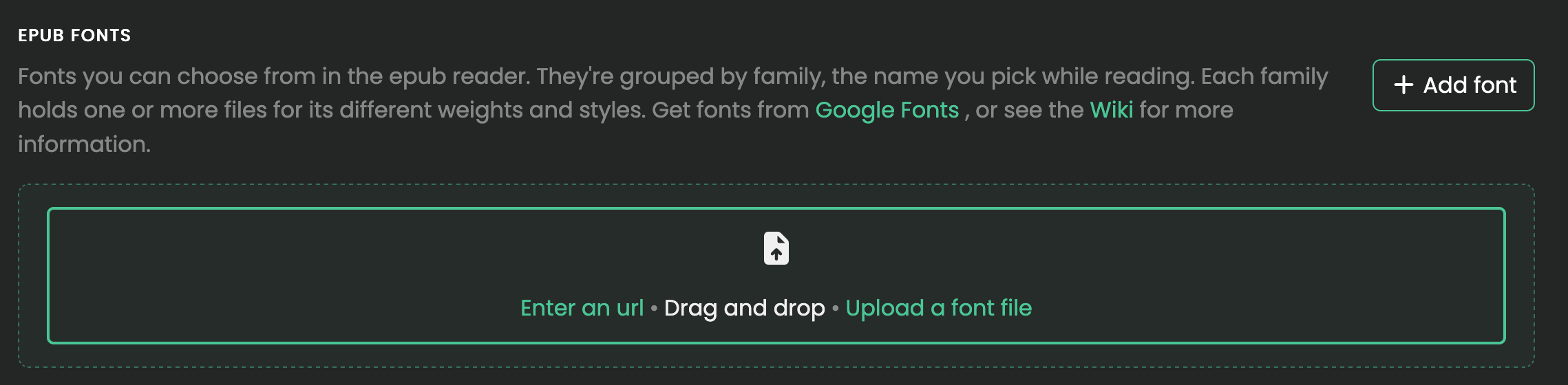
For convenience, you can also directly download fonts from Google Fonts. Copy and paste a url (E.g. https://fonts.google.com/specimen/Atkinson+Hyperlegible+Mono) from your browser and press load to download.
Preview
You can then preview your font by selecting it in the menu.