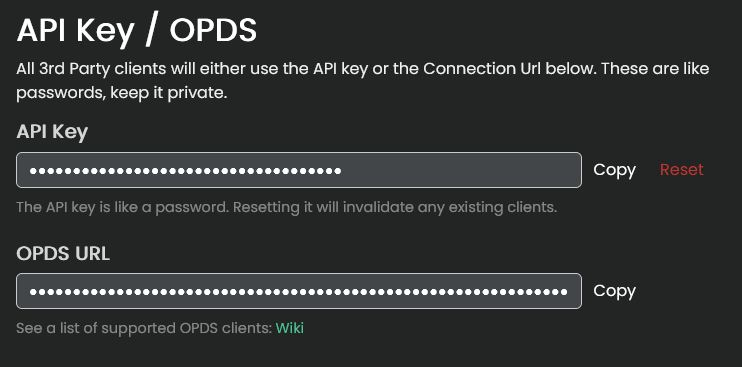
This section is for viewing or regenerating your Auth key and OPDS URL.
Auth key
Do NOT give out your Auth key to anyone! Your Auth key is your username AND password rolled up into 1 string.
If someone has your key they can login as you! Only configure apps that you trust with your key.
This is your access key that can be used by apps to act on your behalf. Some user-made scripts and apps can login directly to your account using this key.
Check the API documentation to see what is possible.
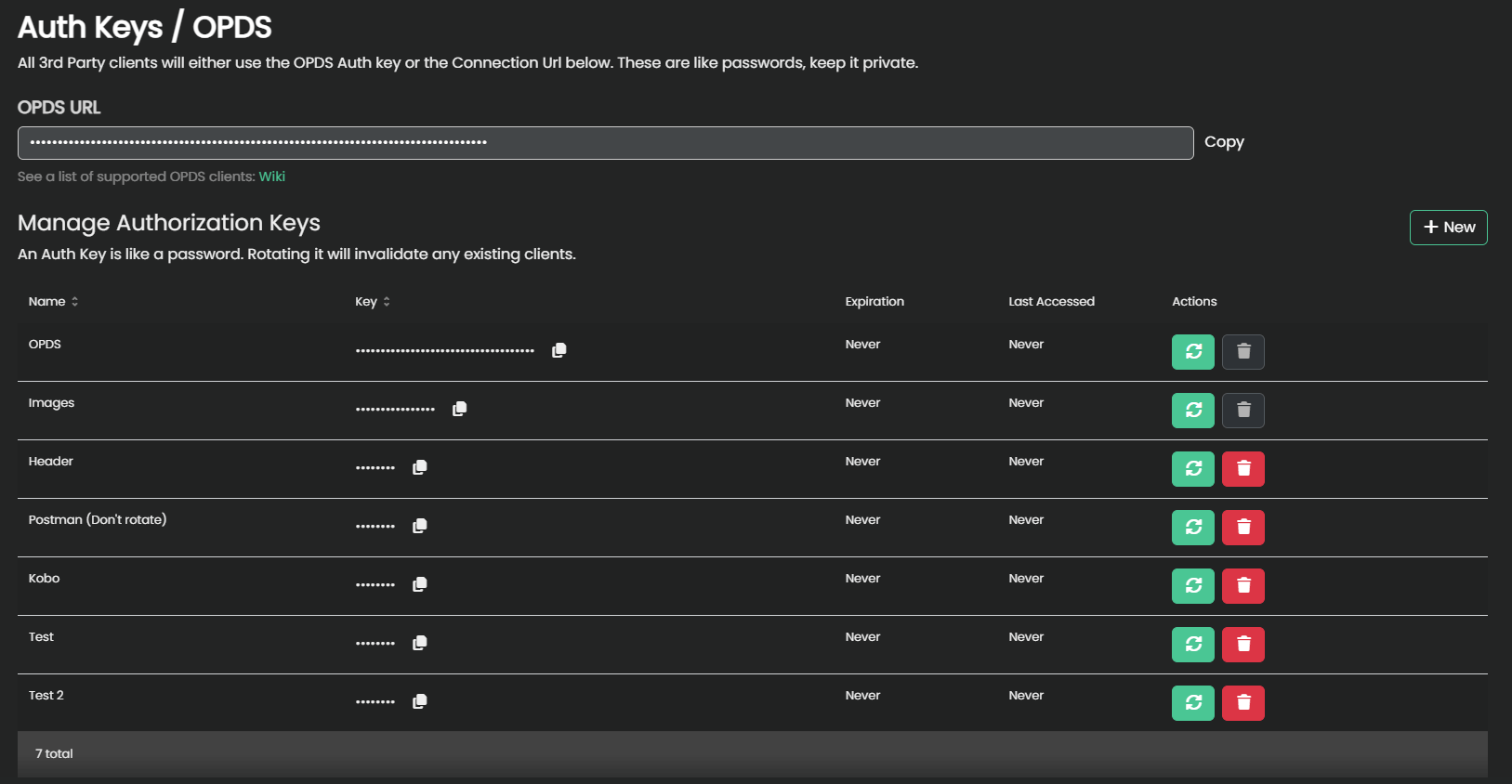
An Auth Key can be created with a custom expiration, name, and key length. For 3rd party clients, like Koreader, it is recommended to have a non-expiring short key.
If an app calls for an OPDS url, you can sub the auth key in for the opds key.
OPDS URL
If your Kavita admin has set the ‘Hostname URL’ setting, this will be filled out with your instance’s hostname. If the ‘hostname’ isn’t set then it will default to the address you are currently accessing it through.